
You are using an out of date browser. It may not display this or other websites correctly.
You should upgrade or use an alternative browser.
You should upgrade or use an alternative browser.
How to get Torque data from android onto laptop
- Thread starter gmcman
- Start date

coolasice
Member
stickypoop
Member
- Oct 14, 2014
- 872
http://canhasdiy.com/archives/165
It's a bit of a PITA but it does work
edit: I assumed you're using the Track Recorder plugin to log. If you're not the link isn't much help
It's a bit of a PITA but it does work
edit: I assumed you're using the Track Recorder plugin to log. If you're not the link isn't much help
coolasice
Member
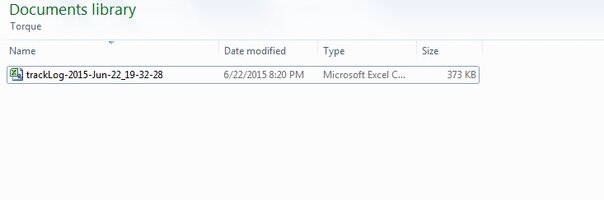
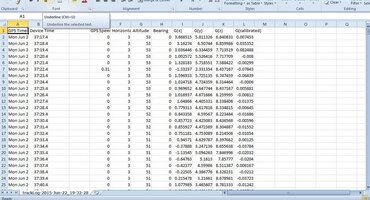
What are you trying to see out of it? Graphs or data plots? You didn't specify what pids to log in torque settings.gmcman said:I used the data logger in the app, this is what I have saved and what it looks like when opened up. IN OBD wiz it doesn't recognize it.
coolasice
Member
you need to select the pids you want to log in the torque log settings. Then you can use excel to graph time vs whatever you want.gmcman said:I would like to see a line graph, was trying to compare the trans temp to the coolant temp as well as any knock retard events compared to load for starters. I started logging when I left work and stopped when I arrived home.
coolasice
Member
coolasice
Member